Prepoznavanje sumljivih sporočil
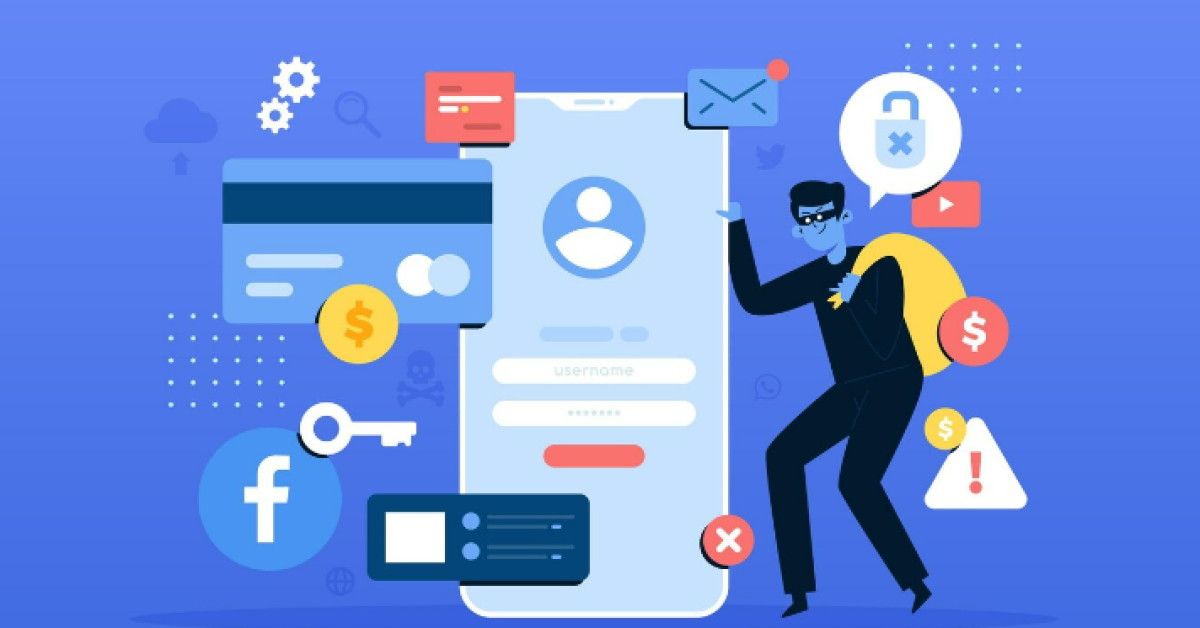
Bodite pozorni na elektronska sporočila ali sporočila, ki zahtevajo denar, obljubljajo darila ali grozijo z izbrisom ali blokado vašega računa. Pomembno je vedeti, da pristna sporočila od Instagrama ali Facebooka prihajajo le iz naslovov @mail.instagram.com ali @facebookmail.com. V kolikor delujete na platformi kot oglaševalec, boste prejeli mail iz naslova advertise-noreply@support.facebook.com.
Kaj storiti, če opazite sumljivo sporočilo?
Če prejmete elektronsko pošto ali zasebno sporočilo, ki se zdi sumljivo in trdi, da je od Meta (podjetja, ki upravlja Facebook in Instagram), ne klikajte nobenih povezav ali priponk. Prav tako ne odgovarjajte na sporočila, ki zahtevajo vaše geslo, številko socialnega zavarovanja ali informacije o kreditni kartici. Poglejte spodnjo galerijo slik za nekaj primerov.
Kako ukrepati, če ste žrtev?
Če ste po pomoti vnesli svoje uporabniško ime ali geslo na sumljivo povezavo in menite, da bi bilo vaše geslo lahko zlorabljeno, takoj ukrepajte:
- Če se lahko prijavite v svoj račun, takoj spremenite geslo in se odjavite iz vseh naprav, ki niso vaše.
- Če ne morete dostopati do svojega računa in vaše uporabniško ime ali geslo ne delujeta, obiščite Instagramovo ali Facebookovo pomoč.
Nasveti za izboljšanje varnosti vašega računa
- Varnostne nastavitve: Povečajte varnost svojega računa tako na Instagramu kot na Facebooku s sledenjem njihovih varnostnih priporočil.
- Dvofaktorska avtentikacija: Vključite dvofaktorsko avtentikacijo za dodatno varnost računa.
- Bodite previdni: Ne delite svojih osebnih podatkov z neznanci in nikoli ne uporabljajte istega gesla za več spletnih storitev.
Spletne prevare oziroma tako imenovano "phishing" je resna grožnja za vašo zasebnost in varnost na spletu. Vendar pa lahko s previdnostjo, znanjem o tem, kako prepoznati sumljiva sporočila in z uporabo varnostnih orodij močno zmanjšate tveganje, da postanete žrtev teh spletnih prevar. Bodite korak pred prevaranti in zaščitite svoje digitalno prisotnost.